Mobile app
Your health data, synced from your wrist and ready to share
The HealthScores.ai mobile app syncs the wearables you already use with your HealthScore and keeps your shareable Health Profile on your phone for the moment you need it.
$0.99, for the month of October. Works with your HealthScores.ai web account.
Indianapolis, IN
Hold up your phone. They scan.
Nobody hands you a clipboard.
Illustration, not scannable.
Sync and share
What does the HealthScores.ai mobile app do?
The HealthScores.ai mobile app does two things the web app can't: it connects your wearables and health apps, and it's the fastest way to share your Health Profile in person. Your smartwatch already knows how well you slept, how far you walked, and how your heart rate changed during your afternoon nap. The app brings that into your Health Profile, where it feeds your HealthScore and can trigger notifications.
Everything else in your membership is here too, sized for your phone.
How it works
From your wrist to a useful score in four steps
01
Connect a device.
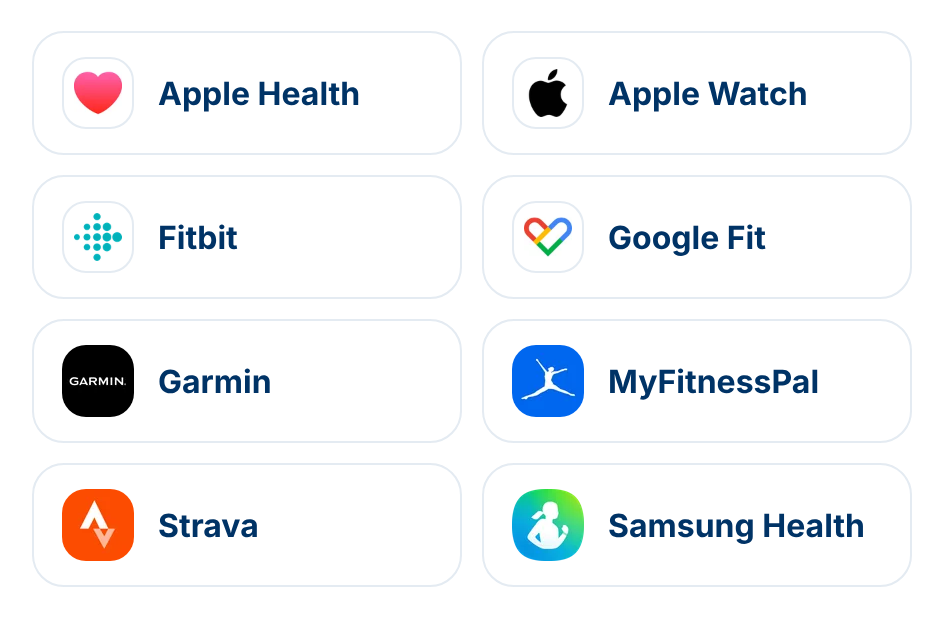
Link Apple Health and your Apple Watch, Google Fit, Fitbit, Garmin, Samsung Health, MyFitnessPal, and Strava.
02
Let it sync.
Activity, sleep, heart rate, and other readings flow into your Health Profile as your health apps update.
03
Watch your score respond.
Your HealthScore reflects what's happening in your body week to week, and the recommended actions get more specific.
04
Open your Clipboard.
Your shareable Health Profile document is one tap away at the front desk or in the ER.
What connects
The devices and apps you already use
A nudge to take a walk means more when the app can see you haven't taken one in four days. Connected data turns recommended actions from generic advice into next steps that fit your week.
Download the HealthScores.ai mobile app on the
App Store or
Google Play.

Connect your health data sources to get a complete HealthScore
Connected Sources
Available Apps & Wearables
Search...Sharing in person
Open your Clipboard, not theirs
Every member has a Clipboard inside the mobile app. Tap it, and your shareable Health Profile document is on screen with two QR codes: a SMART Health Link QR code someone can view, and a FHIR QR code their staff can import.
Your Clipboard was built for the moments you're face-to-face with a medical provider. You're at the front desk or on the edge of a hospital bed, and someone needs your medication list, allergies, insurance, and your cardiologist's name. You hold up your phone. They scan.

The HealthScores.ai Sleeve
Your emergency info, on your wrist
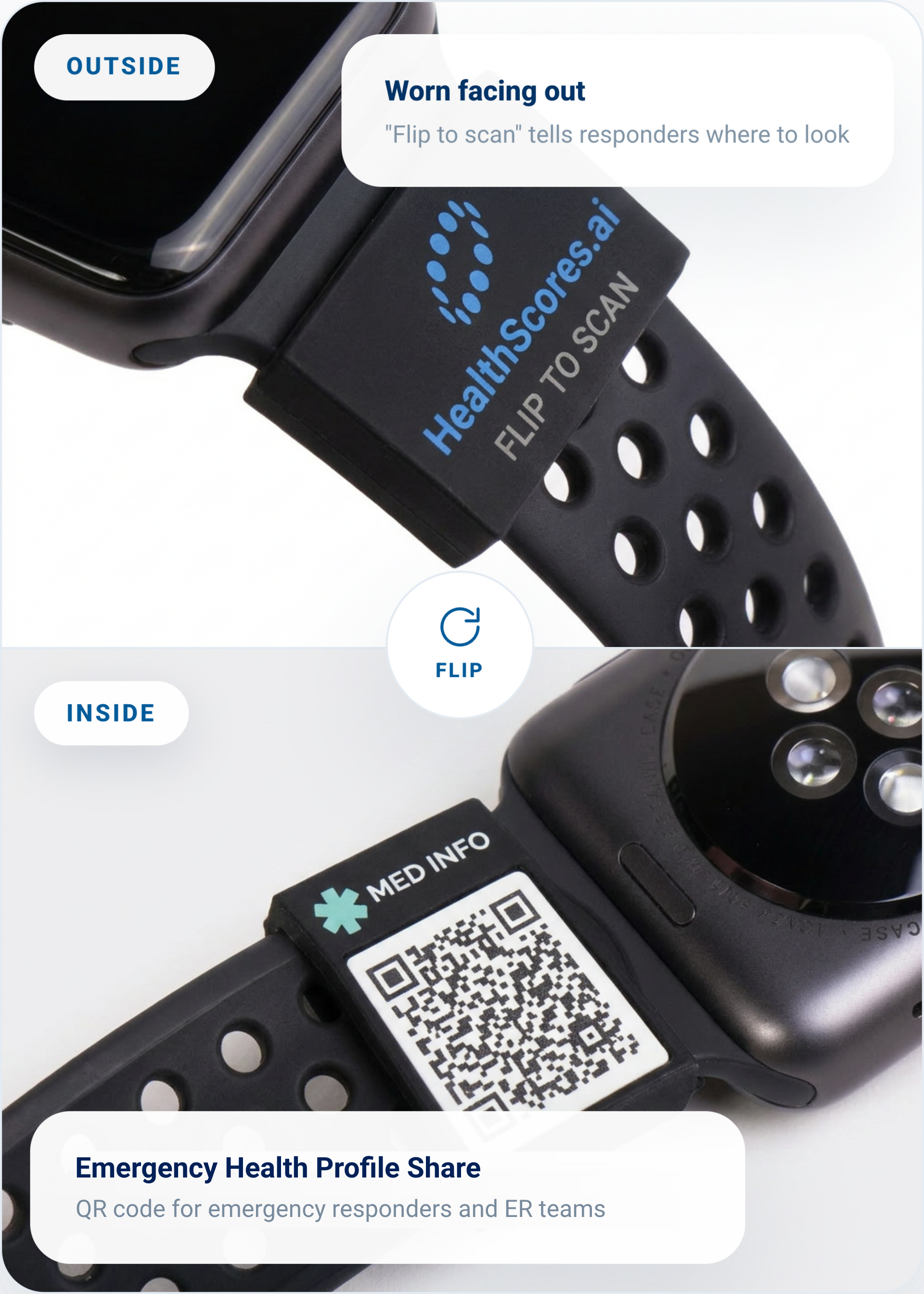
This silicone sleeve slides over your watch band. The HealthScores.ai mark faces out, while an Emergency Health Profile Share QR code sits underneath so responders see your allergies and medications the moment they scan it. It pairs directly with the emergency profile you already manage in the app, ensuring the information you choose to share stays current. Update your profile, and your sleeve is automatically up to date.
Slides over your existing watch band
Connects to the emergency profile you control
Access emergency info in one scan
Optional accessory for HealthScores.ai members. Sold separately.
Mobile app questions
Do I need the mobile app if I already use the web app?
Only if you want to sync a wearable or share your Health Profile easily from your smartphone. The rest of HealthScores.ai works whether you're on the web app or the mobile app. Changes you make in one show up in the other.
What does someone see when they scan my SMART Health Link?
Only the health information you've chosen to share. It is not your complete Health Profile.
How often does my wearable data sync?
Your health app data syncs as it updates, whenever your phone and device connect.
Is the mobile app included in my membership?
No. The HealthScores.ai mobile app is $9.99, one-time, on the App Store and Google Play. You'll need a HealthScores.ai web account to use it.
Put your Health Profile in your pocket.
Start with the web app, then add the mobile app from the App Store or Google Play.